
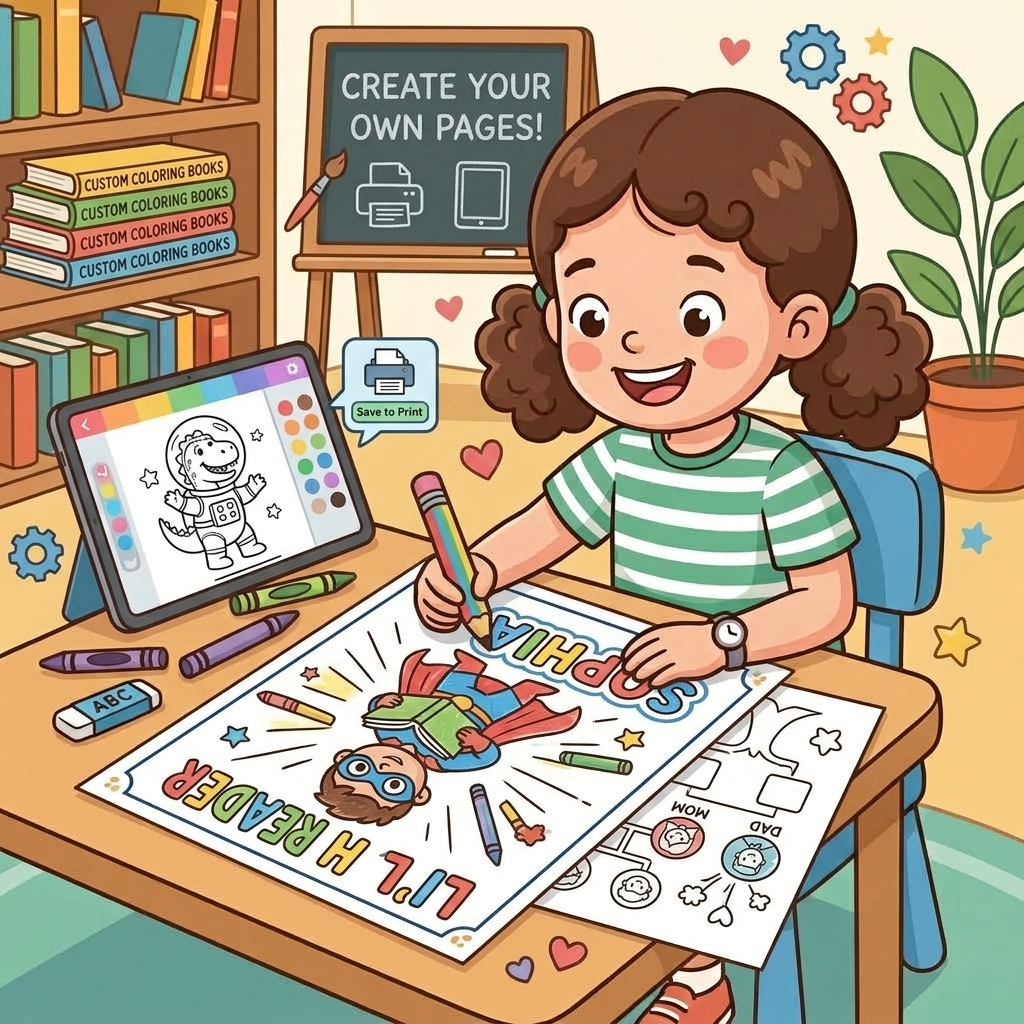
How to Create Personalized Coloring Pages for Kids
Coloring is a classic, screen-free activity that develops hand-eye coordination, encourages patience, and fosters creativity. But what happens when your child has cycled through all their coloring books?
Instead of buying another book, you can easily create personalized coloring pages tailored exactly to what they are interested in right now.
The Power of Personalization
Kids are much more engaged when they see their own name or their hyper-specific current obsession on a page. Whether they are currently fascinated by "Astronaut Cats" or "Construction Vehicles in Space," you can make it happen.
Step 1: Use the SketchKiddo Studio
Go to our SketchKiddo Studio and select the Coloring Page generator.
Step 2: Define the Scene
Simply select a theme from our predefined set! Pick the exact scenario you want the coloring page to feature from the left panel. For example, you can choose themes involving space, animals, or vehicles.
Step 3: Add Your Child's Name
Look for the personalization text box. By adding your child's name, the generator can integrate it into the artwork—perhaps written in block letters in the sky, or on a signpost within the drawing. This makes the page uniquely theirs.
Step 4: Review Your Page
The preview updates in real-time as you make changes. You will instantly see a crisp, black-and-white line drawing perfectly formatted for an 8.5x11 inch printer paper.
If the drawing isn't exactly what you had in mind, you can simply choose a different theme or icon from the left panel.
Step 5: Print and Color
Download the PDF and print it out. Set up a station with crayons, markers, or colored pencils, and let their imagination run wild.
Creating custom coloring pages is a fantastic rainy-day lifesaver. Try it out in the Studio today!